

sigscape studio is the workbench on this site. Drop files or open an example, then run MuTopia, MuSiCal, Tau and SigMA2 on them. The page draws; a small program on your computer, sigscape-daemon, runs the real packages and keeps every run in a folder you choose. Nothing is uploaded anywhere.
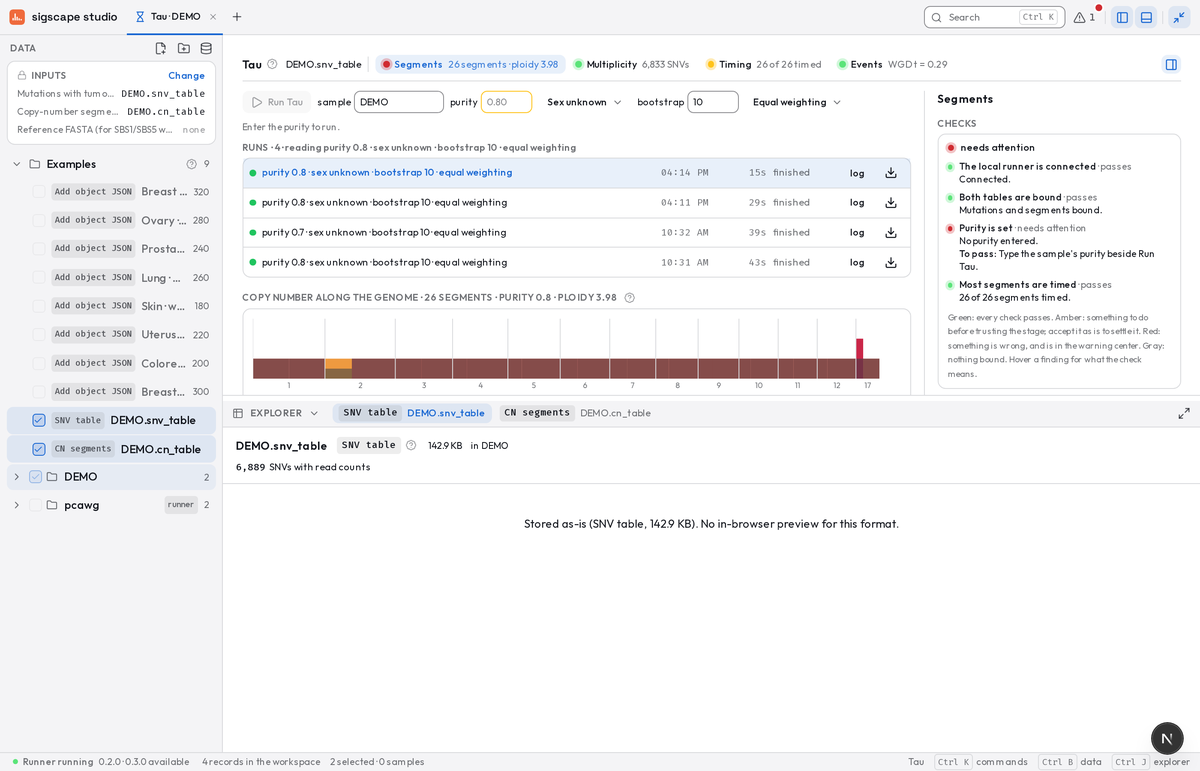
Drop files or open an example. Plotting spectra, comparing exposures and curating SigMA clusters work right away, in the page.
One command puts sigscape-daemon on your computer. It installs MuTopia, MuSiCal, Tau and SigMA2 the first time each is run.
sigscape-daemon --open opens the studio connected. Select records, open a function, press Run. The runner shows in the footer.
curl -fsSL https://sigscape.org/daemon/install.sh | shirm https://sigscape.org/daemon/install.ps1 | iexsigscape-daemon --workspace ~/sigscape --openOne binary, installed where you are.
| Part | Where | Does |
|---|---|---|
| The studio | your browser | draws, binds records to functions, keeps tabs and selections |
| sigscape-daemon | your computer | installs each package once, runs it on your files, keeps every run in a workspace folder |
| MuTopia, MuSiCal, Tau, SigMA2 | inside the daemon's environments | the real packages, unchanged; the studio only reads what they write |
Nothing is uploaded to sigscape.org. The page talks to the daemon on your own machine, with a token the daemon makes each time it starts.
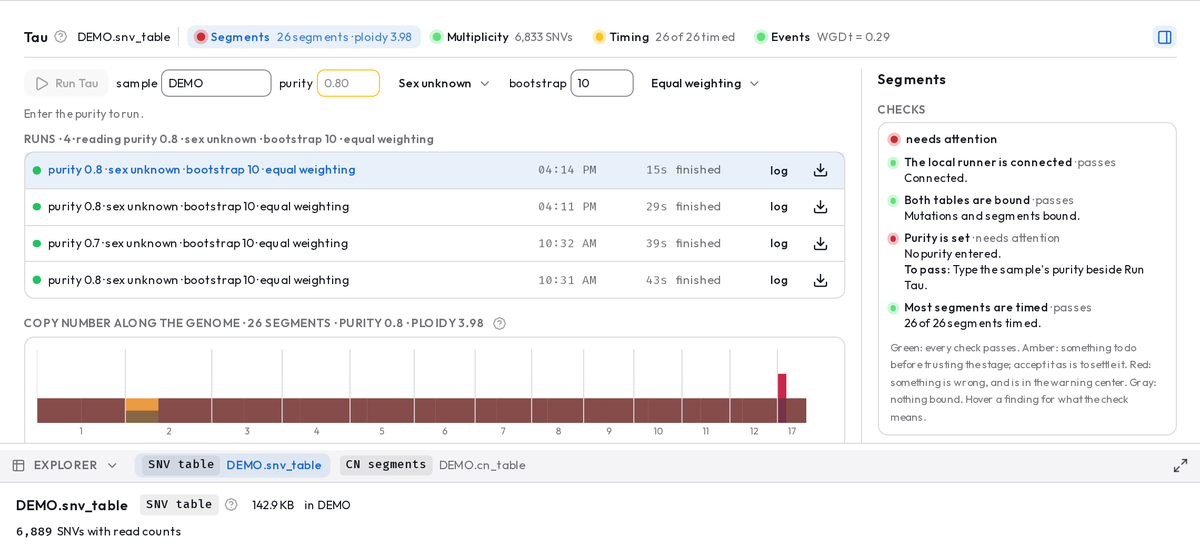
Each step lists every run it made, labeled by its parameters. Choose the one to carry forward; export any run, or the whole chain, as a zip.
Runs, checkpoints, exportA dot and a word say whether the runner is up, which version, and what it is doing. Click it to check for updates, update and restart, or read its log.
Updates and releases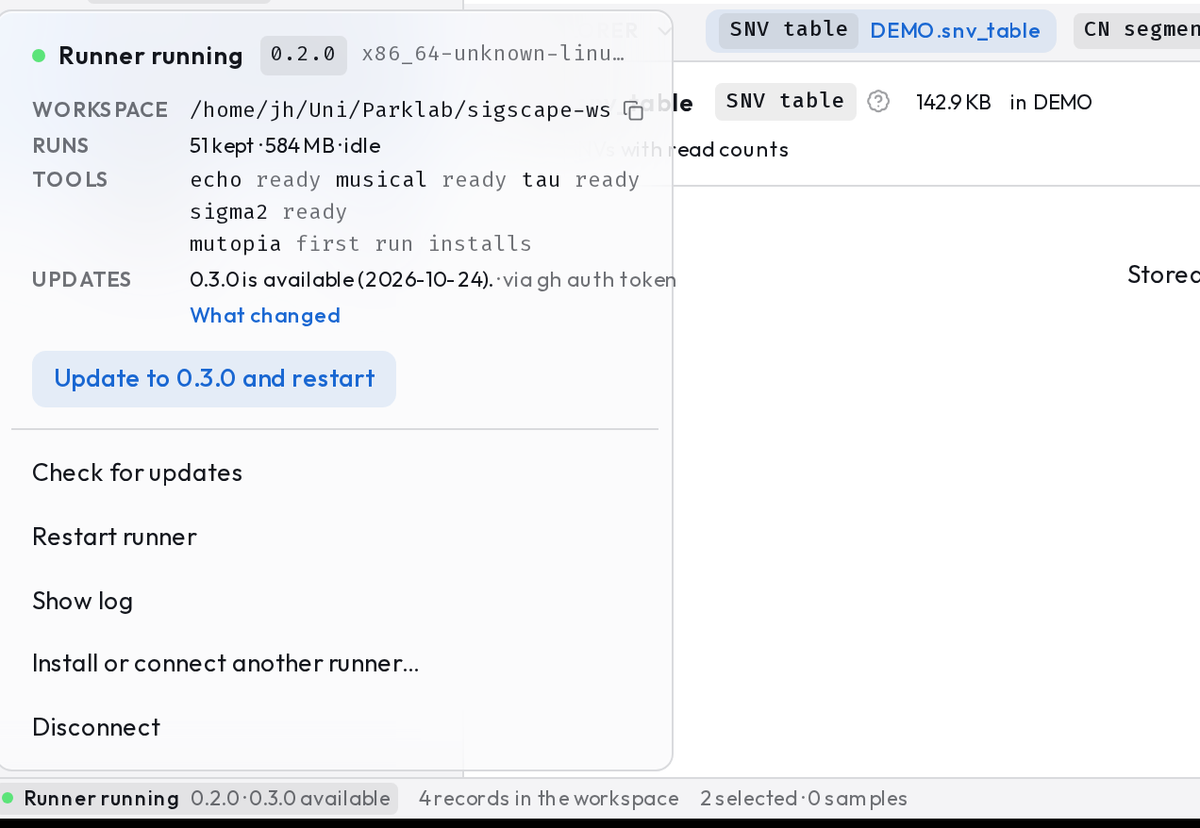
sigscape-daemon is open source under the AGPL: github.com/sigscape/sigscape-daemon.
